I published A refresher on SwiftUI state management, async/await, and common patterns, turning a private set of interview-prep notes into a working refresher for the SwiftUI you actually meet in real codebases. It covers the pre-iOS 17 property wrappers next to their @Observable equivalents, async/await as the default for data loading, and the everyday shapes for networking, navigation, and error handling. The next entry in the Swift series, written for the version of me that has been away from SwiftUI long enough to want one page that catches him back up.
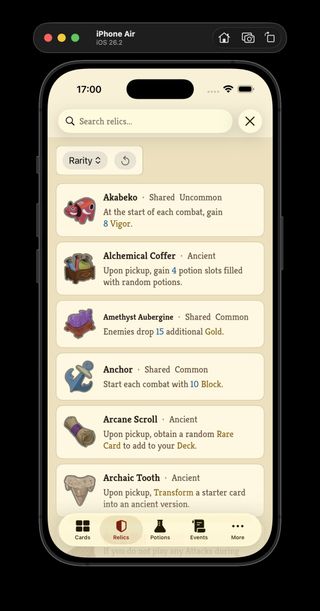
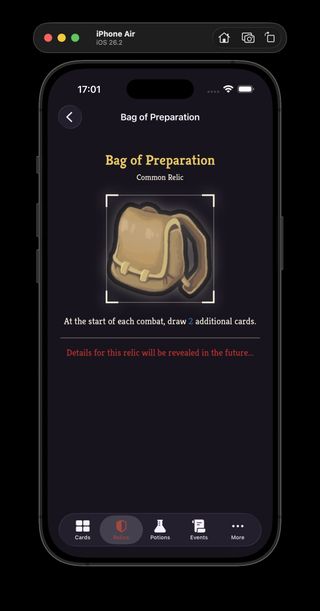
Parsed relic catalog data flowing into the Neow's Cafe relic list and detail views.
I shipped the past couple of days of ProjectSpire work as Neow's Cafe v0.4.0, Catalog Service v0.4.0, and Parser Service v0.3.0. The old card-only parser and catalog names are now broader services, the parsers cover relics, potions, events, and monsters, and Neow's Cafe has live relic list and detail screens backed by the generated catalog instead of mock data. This is the first point where ProjectSpire feels less like a card browser and more like the start of a full Slay the Spire reference app.
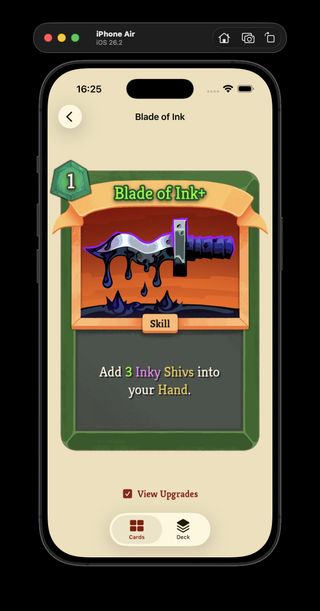
Blade of Ink now rendering its purple description text correctly.
I shipped a tiny Neow's Cafe v0.3.1 bug fix in ProjectSpire: purple was missing from the mapped text colors, so purple inline card text had nothing to resolve to. Now purple is part of the text color map, and cards like Blade of Ink can render their description highlight properly.
Colored description text flowing from the catalog into Neow's Cafe card details.
I shipped a small combined ProjectSpire release: Card Catalog v0.3.0 and Neow's Cafe v0.3.0 now carry colored inline description text through the catalog and into the SwiftUI card views. The visible change is small, but it closes the loop from parsed game text to rendered card detail: upgraded values and highlighted terms now show with the same kind of color signal the game uses.
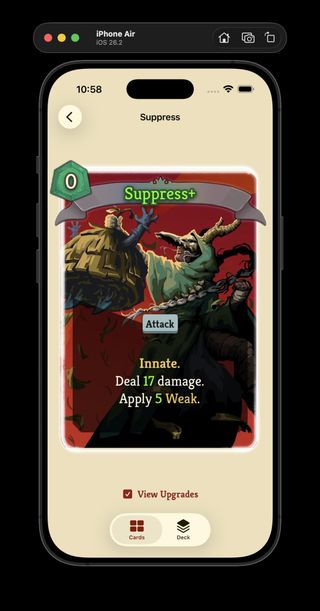
The catalog JSON now carries upgraded card values, and the app has a proper detailed card view where I can inspect those upgrades instead of only browsing the cards in their base form in the grid.
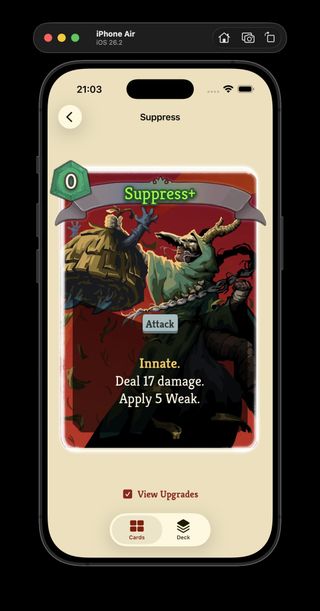
In the game, the numbers (17 and 5) in the text, would be highlighted with the color being green, because they are the upgraded from base values. That is next on my todo list.
Supress in the new detail view, with upgraded card data exposed from the catalog.
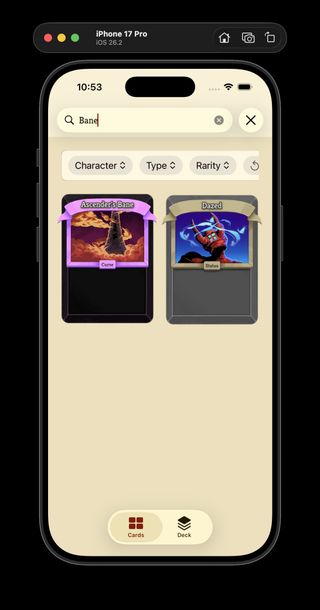
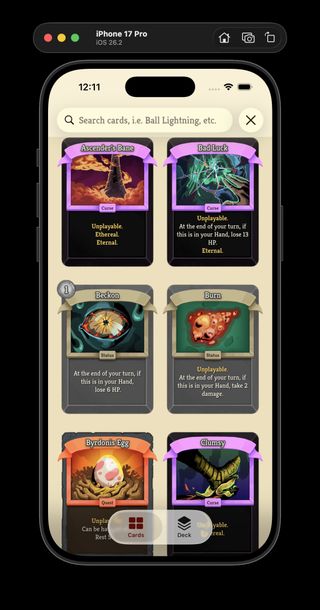
The parser now extracts keyword references from card text and populates a keywords field in the generated JSON, which the app picks up and renders as keyword pills on card detail views.
Status and curse cards were the most visibly broken before this: they had no keywords at all, which made a whole class of cards feel incomplete in the UI. The research behind this lives in Lab Doc 0014, which covers how keyword matching works against the game's localization data.
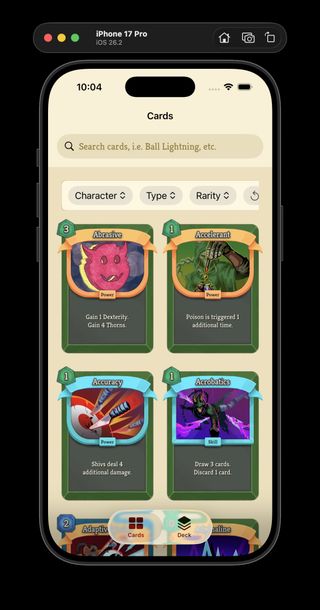
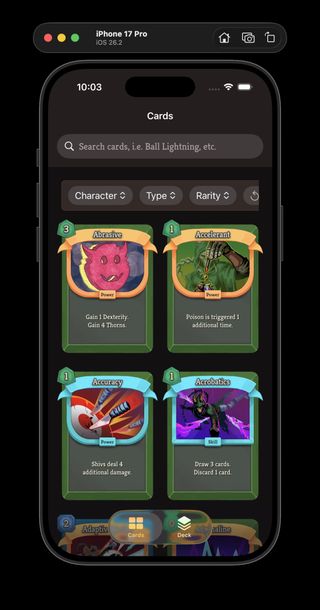
Neow's Cafe with the new light and dark app themes side by side.
I shipped another Neow's Cafe UI pass in ProjectSpire, focused on turning the app's visual styling into reusable systems instead of one-off view code. The work in the May 7 snapshot registers the app fonts as a typography system so I can use consistent text styles anywhere in SwiftUI, and adds explicit light and dark themes for the card catalog UI. It is a small-looking change, but it gives the app a much cleaner foundation for future screens.
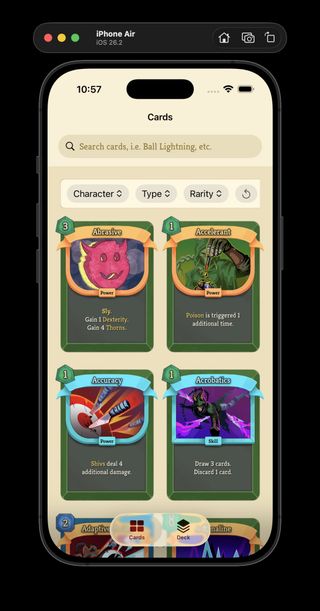
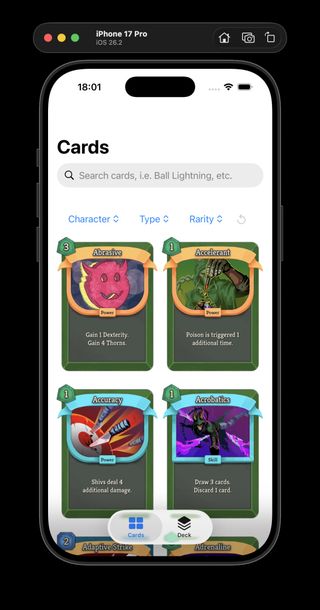
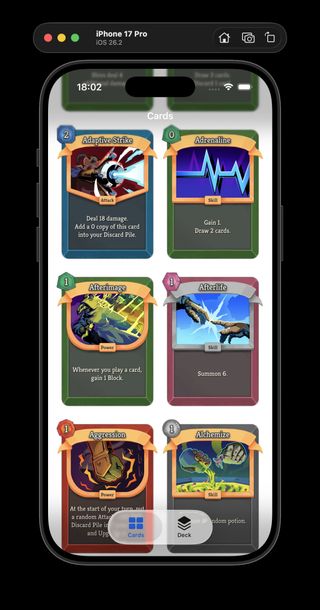
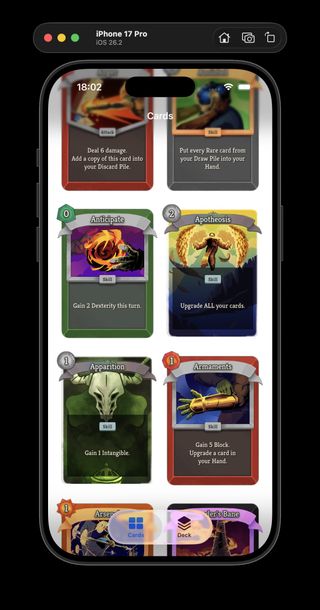
Neow's Cafe browsing catalog-backed card data instead of bundled mock cards.
I spent today turning ProjectSpire's iOS app "Neow's Cafe" from a mock-card browser into something much closer to a real Slay the Spire 2 card catalog.
The main decision was to keep the first version boring in the best way: a static, versioned catalog generated from the game data, served locally, and loaded directly by the app instead of inventing a REST API too early.
That structure gave the app one small index for browsing and filtering, while keeping full per-card files and portrait assets nearby for detail/debug views later. The important bit is that the card grid does not need to fetch hundreds of separate files just to show the collection.
		`cards.index.json` is the grid, search, and filter payload. It contains all card summaries needed by the app:

- id
- slug
- title
- description
- energy cost
- type
- rarity
- pool
- portrait path
- optional detail path

Keep individual card JSON files for detail and debug views, not for the main grid.
On the Swift side, CardCatalogService.swift now loads manifest.json, follows it to cards.index.json, and decodes the catalog into app cards. I also removed the old bundled sample portraits, so the app is now much more dependent on the generated catalog behaving like the source of truth.
The Cards screen got some polish too: the catalog can be refreshed from the view, the grid is now a two-column layout that preserves the card aspect ratio in CardsView.swift, and I cleaned up the filter model so "no filter" is represented by optional UI state instead of fake .all enum cases (filter cleanup commit).
The other nice bit from today is process-oriented: ProjectSpire now has Captain Logs for collaboration notes and a reusable workflow for turning a day's commits and documentation changes into these timeline summaries. That should make it easier to keep writing about the work without having to rediscover the shape of the day from raw git history every time.
I added a ProjectSpire design note in 399f74d that pushes the card pipeline toward a two-pass model: keep the parser output source-faithful, then resolve localization and rendered text separately for the app.
I created that work with GPT-5.5 in plan mode, and it asked a few genuinely useful clarification questions before I let it draft anything substantial, which made the whole process feel a lot more controlled than a blind codegen pass. I also pushed back on several of its first suggestions and made a lot of the consequential decisions myself, especially around keeping canonical variable names intact and separating raw data from resolved display data. That feels like a strong pattern for future ProjectSpire work: use the AI models to widen the search space, but keep the architecture decisions and edits grounded in my own judgment.
I’ve been working on ProjectSpire’s iOS app (codename: Neow’s Cafe) in NicholasClooney/ProjectSpire as a 1:1 Slay the Spire 2 card library, and the useful part is not just the filtering UI and refactor cleanup, but the way I’m trying to work with AI.
I get better results when I lay down the foundations myself first, especially around quality, guard rails, and how the data is modeled, and then let AI work inside that framework instead of asking it to define the framework for me. It also helps a lot when I have AI propose higher-level API or contract changes before it starts making edits.
Here's a snapshot of the visual changes. There is also quite a bit of non-visual work too, like reorganizing the source files into clearer areas such as App, Components, Models, Views, Logic, and Dependencies, splitting the banner text into its own component, moving the app toward injected dependencies instead of hardcoded wiring, and a few other things.
The useful part is not just the snippets themselves, but that AI agents researched the best practices, produced the example code, organized the project, and left me with a runnable playground where I can compare equal-width stacks, GeometryReader, PreferenceKey, and some surprisingly similar results against my actual needs.
I published The Confident Lie: What AI Got Wrong About @ViewBuilder, a SwiftUI debugging note that came out of the ProjectSpire card view work. It captures a small but useful lesson: body gets @ViewBuilder from the View protocol, but a custom computed some View property needs the annotation explicitly if I want an if without an else. The compiler was right, the AI was overconfident, and now the mistake is written down somewhere I can find again.
I’ve moved the SwiftUI card view forward by adding a real Card model, so even though the screen does not look dramatically different yet, the app is much closer to rendering cards from extracted data instead of hardcoded values. There is even a small visual regression in the golden text compared with the previous screenshot, but the important change is underneath: I can now refine the card parser and JSON output models, bring those records and required images directly into the app, and aim to emulate any card regardless of rarity, type, or data shape. The relevant work is in the ProjectSpire compare for the card view changes and the new card model.
New Card model version.Previous visual pass for comparison.
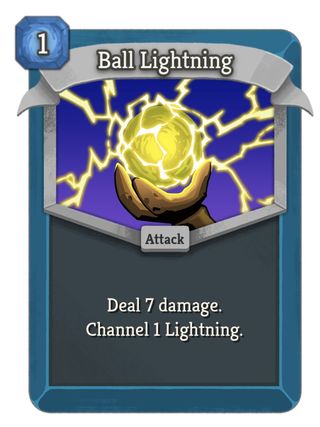
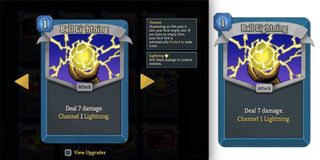
I’m recreating the Slay the Spire 2 card view in SwiftUI with assets extracted from the game, and I’m very happy with how close the first pass feels. The current work is captured in ProjectSpire snapshot/2026-04-28, especially CardView.swift; most of it is still hardcoded, but the visual foundation is there. Next I want to generalize it so the view can take a card data object and dynamically reload the text, colors, and assets, which might eventually turn into a Slay the Spire wiki app for the phone.
I published Three ways to pass an @Observable object in SwiftUI, a short SwiftUI reference for choosing between environment injection, direct initializer passing, and @Binding. It keeps the distinction focused on ownership and coupling: whole-object reference sharing when the child is allowed to know the model, or a projected binding when the child should only see one value.
I pushed 1263f2d to SwiftyBites as a Friday-night AsyncDebounceDemo for playing with Swift's async and sync edges. The demo compares a view-owned async .task flow with a synchronous button action that cancels and restarts a stored Task, which makes the debounce mechanics feel a lot more concrete than just reading the pattern.
I updated SwiftUI in the Wild: Memory, Concurrency, and the Gaps in the Docs with a clearer explanation of using .task(id:) for debounced work. The change moves that pattern into the debounce section, where SwiftUI's automatic cancellation model fits naturally, and keeps the button-action section focused on manual task ownership tradeoffs.
I published SwiftUI in the Wild: Memory, Concurrency, and the Gaps in the Docs, a field guide to the parts of modern SwiftUI + concurrency that look clean in isolation but get messy in real apps. The post covers @State + @Observable lifetime bugs, debouncing with async/await, task ownership in views and buttons, closure capture cycles, and why @Observable and actor pull in different architectural directions.